Click to download now, finish the installation quickly, and directly unlock the all-round experience
Screenshots


Click to download now, finish the installation quickly, and directly unlock the all-round experience
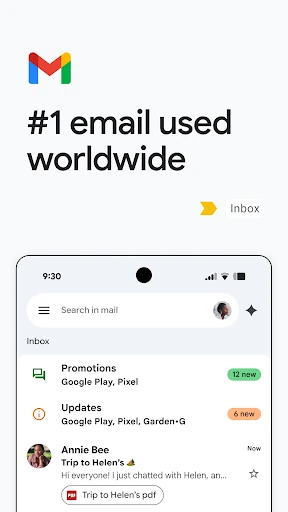
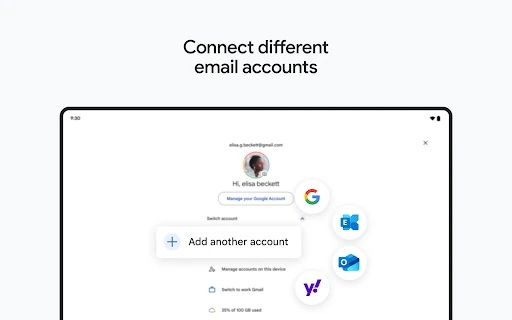
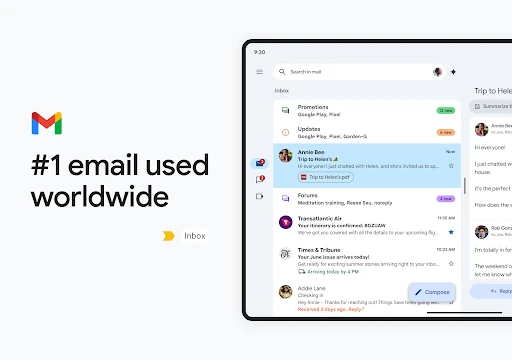
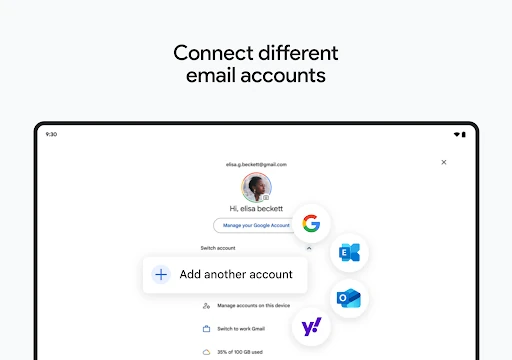
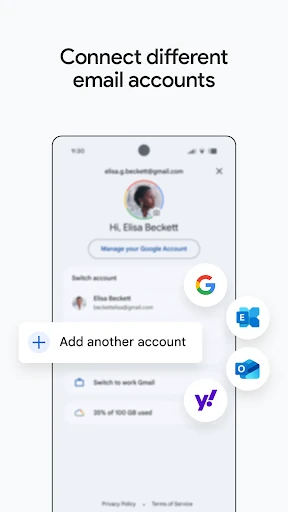
Gmail is Google’s email app for Android, built for reading, writing and managing messages from a phone. It suits anyone who relies on email for personal correspondence, work, school or account notifications, especially users already working across Google services. The app supports multiple email accounts and keeps conversations, attachments and searches in one place.
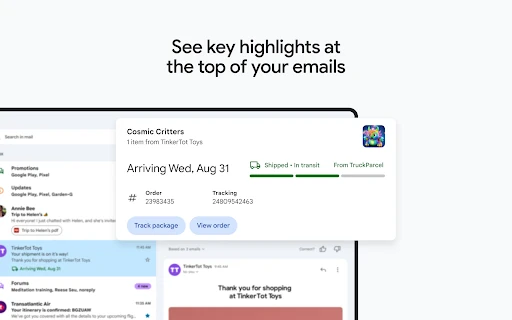
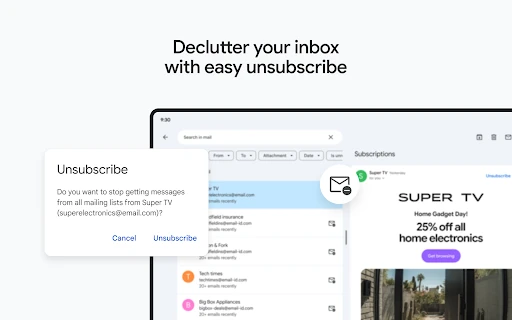
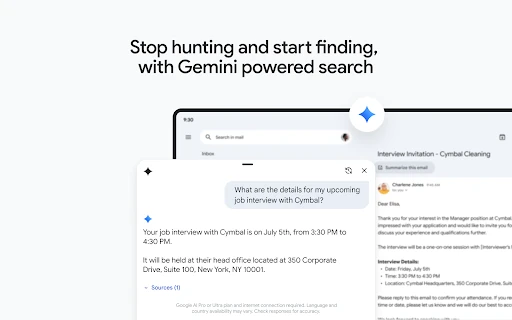
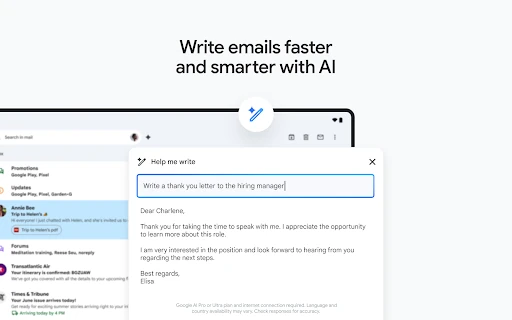
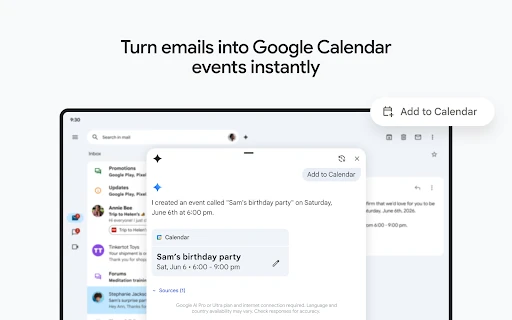
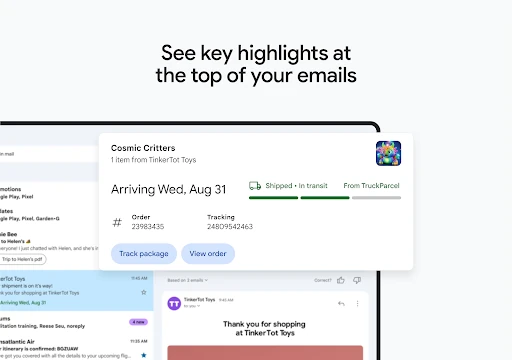
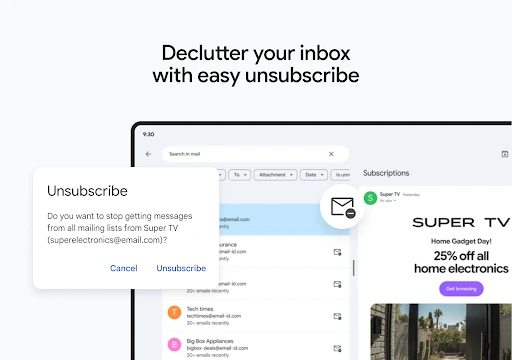
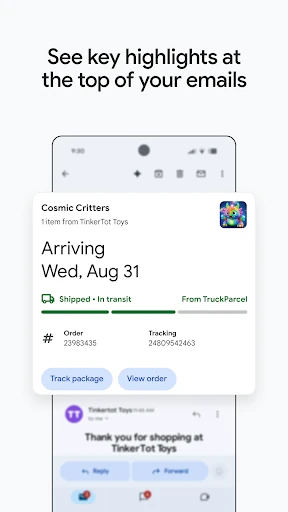
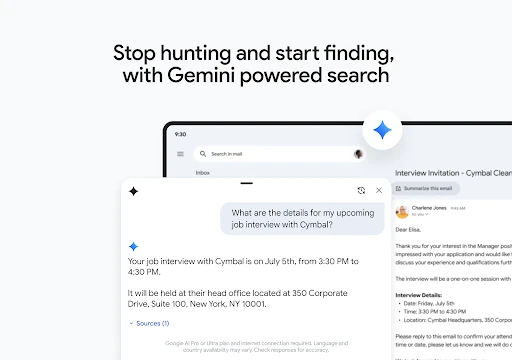
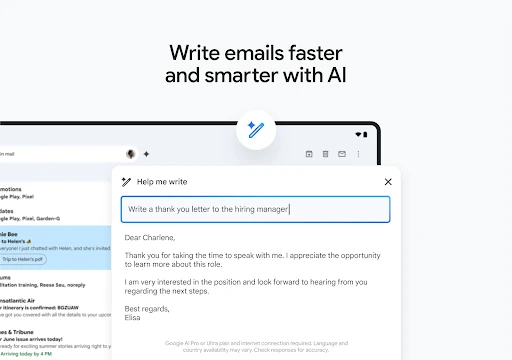
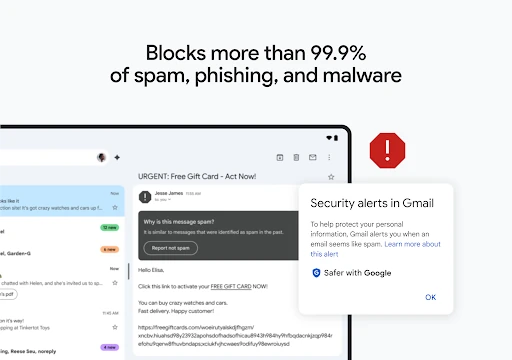
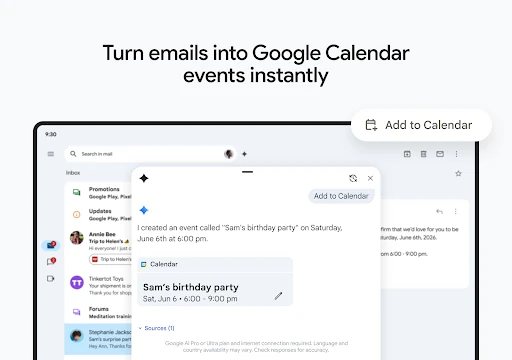
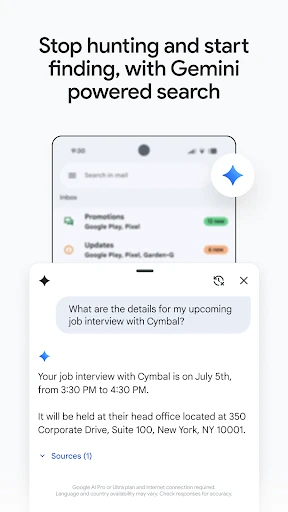
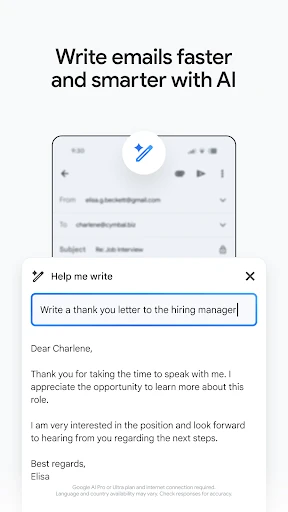
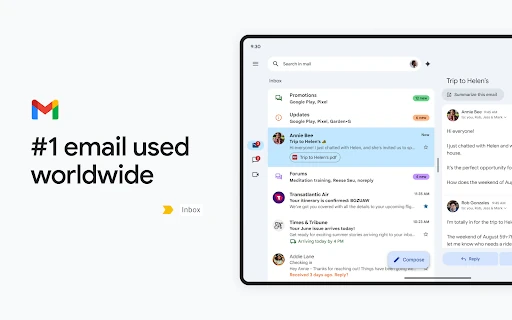
Gmail is designed around fast retrieval rather than manual sorting. Search helps locate older messages and attachments, while conversation view keeps replies together. Inbox tools can highlight useful information such as travel plans or delivery updates, and actions such as archiving or unsubscribing reduce routine cleanup. Smart Replies and writing assistance can also help with short responses when you do not want to start from a blank screen.
With a 4.11 rating from more than 14.1 million reviews and 10 billion-plus installs, Gmail is a well-established choice rather than an experimental mail client. It is maintained by Google LLC, which matters for users who want an email app tied to an active, broad service ecosystem.
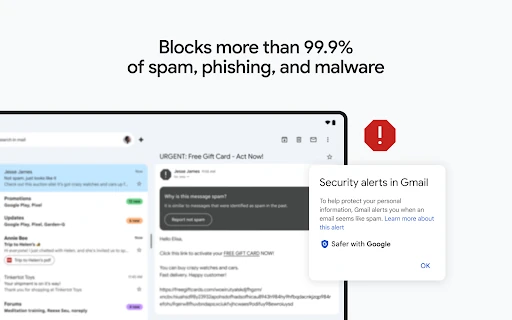
Choose Gmail if you want dependable access to Google email, strong filtering and search, and a single app for several inboxes. Its wider workspace features add convenience, though people looking only for a minimal offline mail reader may find the broader Google integration more than they need.